jewelry ad generator
Jewelry ad generator
Upload one photo of a necklace, ring, or earrings and generate ad angles for collection launches, gift occasions, luxury positioning, set bundles, and customer-review proof.
Free jewelry ad previews are full-quality and view-only. Unlock the full pack only when the sparkle reads, the piece sits hero-sized, and the ad is worth exporting as high-res files, no-watermark assets, ZIP download, and Meta sizes.
Examples
Jewelry ad generator examples
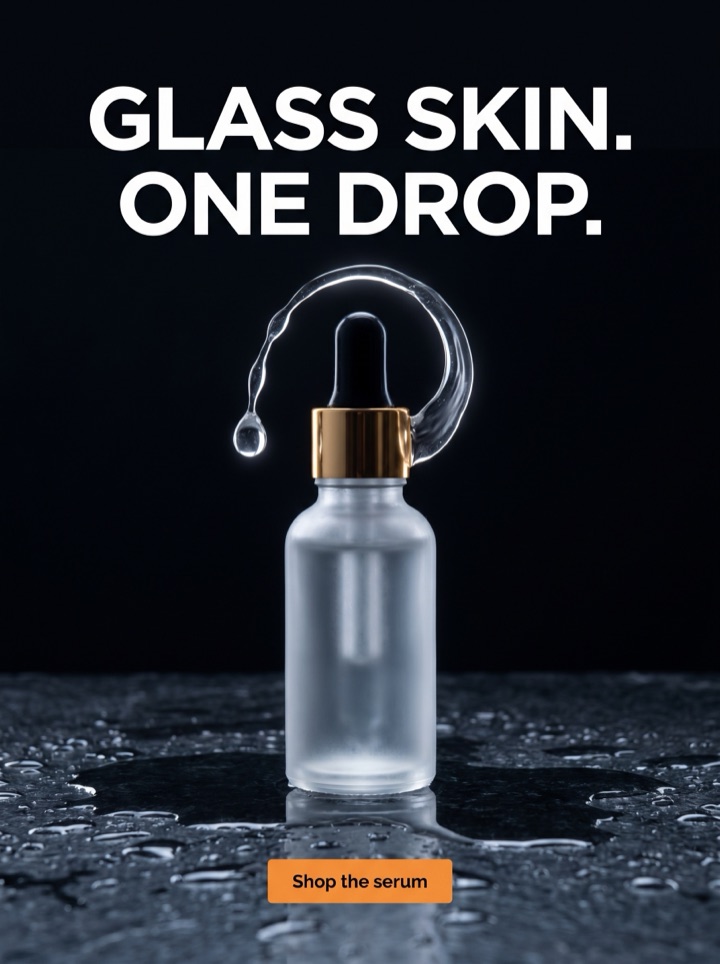
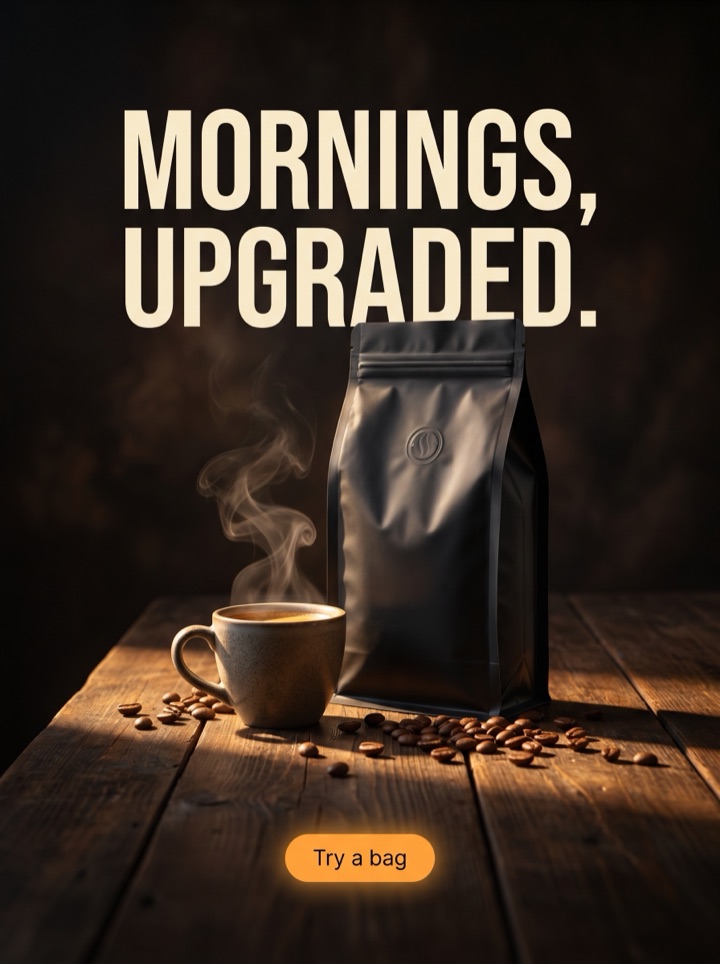
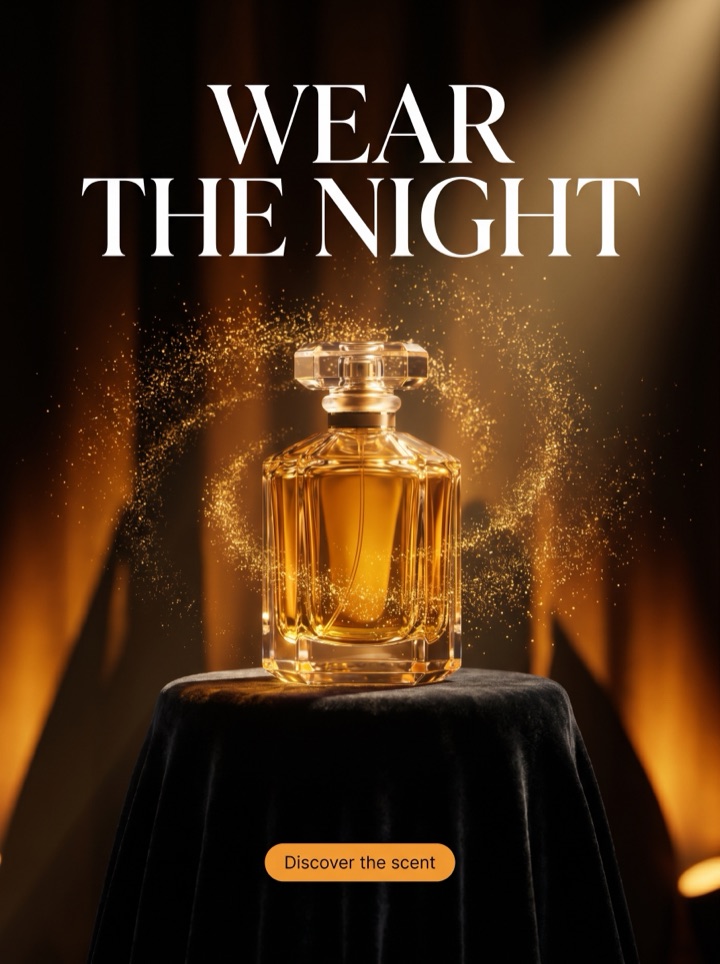
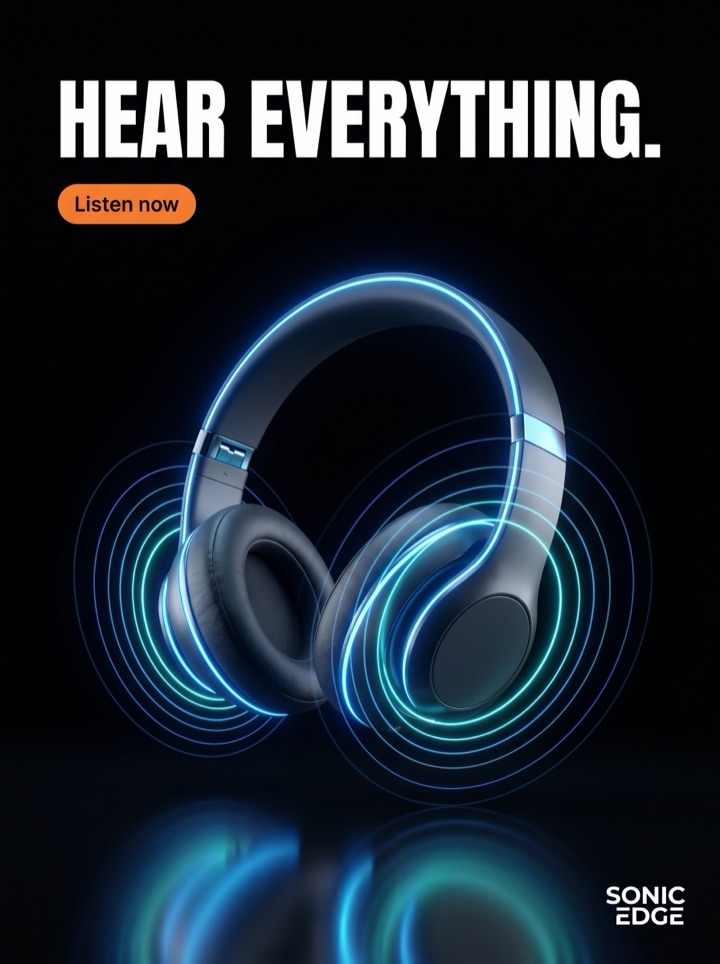
Jewelry sells on detail and occasion: the buyer needs to see the sparkle, judge the scale, and feel a reason to gift or treat themselves. The example layouts below are built as ad-pack patterns for those buying moments, not stock-gallery filler.

Campaign brief
Jewelry Ad Generator campaign brief
A useful jewelry ad page should leave you with a better creative decision than you arrived with: which piece to feature, which occasion to lean on, and how to keep the sparkle legible. Use these notes to turn a single product shot into a real ad test.
Best use
Reach for the jewelry ad generator when you have one strong shot of a ring, necklace, or pair of earrings and need gift, launch, and luxury angles fast — without booking a model shoot for every drop.
Asset to upload
Upload a macro, sharply lit photo where the stone, setting, or chain link is clearly in focus. Soft, distant lifestyle shots lose their sparkle the moment the ad shrinks into feed.
First test
Run a preview that pits the gift angle against the luxury angle for the same piece. Hold the crop and price constant so you learn whether buyers respond to occasion or to status.
Format choice
Export square and 4:5 first so the piece stays hero-sized in feed. Add story or display crops only after the stone still reads at thumbnail scale, not before.
Copy direction
Use Shop the Ring or Shop the Set for familiar pieces ready to buy. Save softer lines like See the Collection for a new launch where the buyer is still browsing.
Human review
Ask whether the headline could only belong to this exact piece. "Everyday shine" fits any chain; "Two carats you can wear to work" could only sit on one ad.
How it works
Build a jewelry ad around a real reason to buy.
1
Lead with the piece
Pick the photo that shows the stone, metal, and finish best — the detail does the selling, so it has to lead the creative.
2
Choose the occasion
Generate the angle that matches the moment: gift, collection launch, social proof, set bundle, or quiet luxury positioning.
3
Preview the pack
Review view-only previews and confirm the sparkle survives at feed size before you pay or hand copy to anyone.
4
Export what you can test
Unlock high-res files once the piece is hero-sized, the price or offer is clear, and the CTA is obvious in a Meta placement.
Examples
Jewelry ad generator examples
Jewelry buyers are deciding on occasion, scale, and trust. These are the angles Product AdKit builds for the category — each one a different reason to click on a ring, necklace, or set.
Field notes
Jewelry Ad Generator field notes
These notes are specific to selling jewelry — sparkle, scale, and trust — and they are the human review layer that keeps an ad from reading like a generic generated template.
Creative review
- The first glance should answer what the piece is and why it matters: a solitaire, a layered chain set, a pair of huggie hoops. If a shopper cannot tell at a thumbnail, the crop is too far back.
- Keep the metal and stone larger than the styling. A marble surface or silk backdrop can frame the piece, but the moment the prop out-shines the gold, the ad sells the table, not the ring.
- Show scale on purpose. Jewelry shoppers misjudge size constantly, so a worn-on-ear or held-in-hand crop earns more trust than another floating product shot.
- Lead with the piece, then the hook, then the CTA. Move price or "save on the set" up only when the offer — not the design — is the real reason to click.
Placement review
- Check the ad at phone width before export. Fine chains and pavé detail that sparkle on desktop can flatten into a grey smudge in feed.
- Test one quiet-luxury version, one gift-occasion version, and one review-proof version of the same piece. That contrast tells you whether buyers want status, an occasion, or reassurance.
- Do not let a hook claim a carat, a metal, or "real diamond" that the product page does not confirm. The ad should speed the click, not write a promise the listing has to walk back.
Export review
- A paid pack is worth unlocking when at least two previews carry a distinct reason to buy — gift versus luxury versus proof — not the same crop with a swapped headline.
- If the piece has a real hallmark, a stone certificate, an engraving option, or a true-to-life finish, use those as the visual proof instead of pasting on a generic "best seller" badge.
- The final call should be boringly safe: stone readable, metal accurate, offer clear, CTA obvious, and no roadmap-only format dressed up as live.
Sizes and exports
Sizes and exports for Jewelry ad generator
For jewelry, the export shape should protect the sparkle and the scale. Static posters are available first; display and HTML5 exports stay clearly labeled as agency or roadmap workflows until enabled.
1:1 square
Use square for a balanced macro of a single piece — a solitaire or a pendant — where the stone sits dead-center and the CTA tucks underneath.
4:5 feed
Use 4:5 to give a layered necklace stack or a worn-on-model shot more vertical room while still claiming the most feed real estate.
9:16 story/reels
Use 9:16 for full-screen reveals — a ring box opening or a chain catching light — where the piece and CTA need top-to-bottom space.
Facebook feed
Use the Facebook feed crop for gift and collection-launch ads where a headline and price band have to sit beside the piece without crowding the sparkle.
This page should help a jewelry founder decide what to make next: which piece to feature, which occasion to lean on, which crop keeps the sparkle, and which placement to export. That is why Product AdKit centers the upload-to-ad workflow for jewelry instead of handing you a blank design surface and a deadline.
Copy examples
Hooks, CTAs, and mistakes for jewelry ads.
Headline hooks
- Small detail. Big statement.
- Everyday shine, made simple.
- The piece that finishes the look.
- Gift-ready in one click.
- New shine for your next outfit.
- Lab-grown sparkle. Real-deal price.
- The "where did you get that?" necklace.
- Stack one. Stack all three.
CTA examples
- Shop the Ring
- Shop the Set
- See the Collection
- Find Your Gift
- Build My Stack
Common mistakes
- Shooting the piece so far back the stone reads as a grey dot in feed instead of a sparkle.
- Leading with lifestyle mood — a hand on a coffee cup — so the necklace is impossible to actually inspect.
- Skipping a scale cue, so shoppers cannot tell if the hoops are dainty or statement-sized.
- Claiming "diamond," a carat, or a metal the product page and certificate cannot back up.
- Running only the luxury angle and never testing the gift or social-proof version of the same piece.
Examples
Jewelry ad generator examples
Use this checklist as a human quality pass before you turn a jewelry preview into a production ad.
1
Can a shopper tell what the piece is — ring, hoops, layered chain — at a single thumbnail glance?
2
Does the ad give a scale cue, so no one mistakes statement earrings for studs or a pendant for a charm?
3
Does every claim — carat, metal, "real diamond," lab-grown — match what the product page and certificate confirm?
4
Does the stone still sparkle after the ad is cropped into the target placement, or does it flatten?
5
Is there a clear reason to click now — a gift occasion, a launch, a set offer — beyond "it's pretty"?
FAQ
Jewelry ad generator questions
How does the jewelry ad generator keep small pieces looking sharp?
Start from a tight, well-lit photo where the stone, setting, or chain reads clearly. The generator builds layouts that crop in on the piece so sparkle and detail survive in a thumbnail-sized feed ad instead of disappearing into background mood.
Can I make gift-angle jewelry ads for the holidays or Valentine's?
Yes. The gift angle generates posters with giftable framing, an occasion hook, and a clear shop CTA. Set the occasion in your direction and regenerate, so the same necklace or ring reads as a birthday, anniversary, or holiday gift before you export.
Will the ads misstate my metal, carat, or hallmark details?
You control the copy direction. Give the exact material in your brief and check the previews, so the ad only states what your product page can back up — 14k gold, sterling, lab-grown, or moissanite. If a generated hook claims a material or carat your listing does not confirm, regenerate instead of running it.
Can I export jewelry ads without a watermark?
Free jewelry ad previews are full-quality and view-only. Paid packs unlock high-res, no-watermark exports and ZIP download so you can run the necklace, ring, or collection ad in Meta.
Related tools