HTML5 banner ad generator
HTML5 banner ad generator
Generate multi-size product banner concepts now. HTML5 ZIP export belongs in the Pro/Agency roadmap.
Free HTML5 banner creative previews are full-quality and view-only. Unlock the full pack only when the ads are worth exporting as high-res files, no-watermark assets, ZIP download, and Meta sizes.
Examples
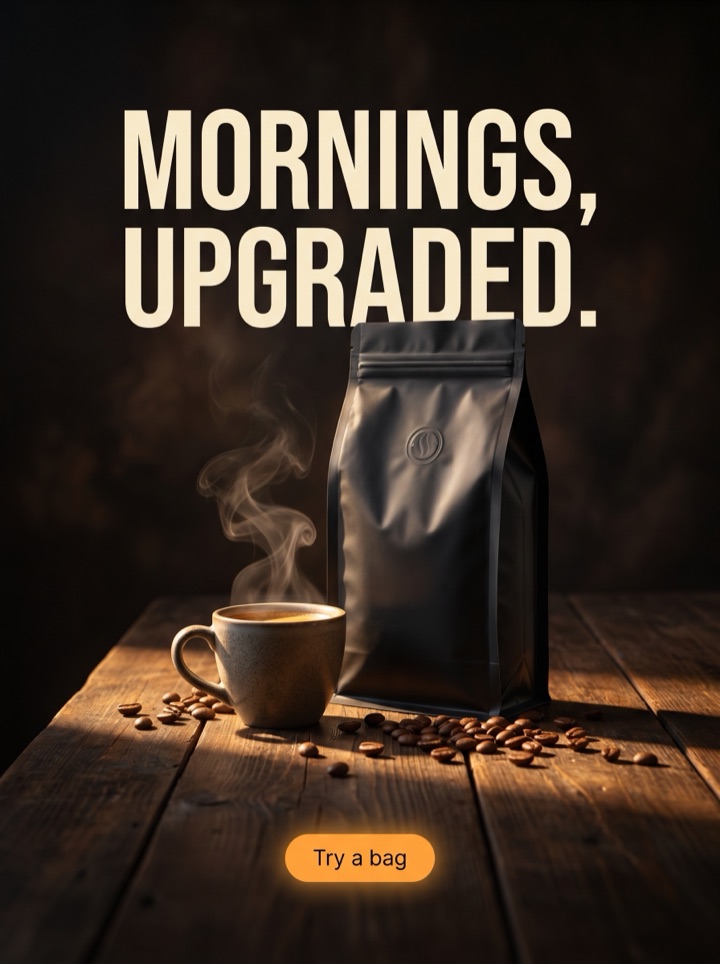
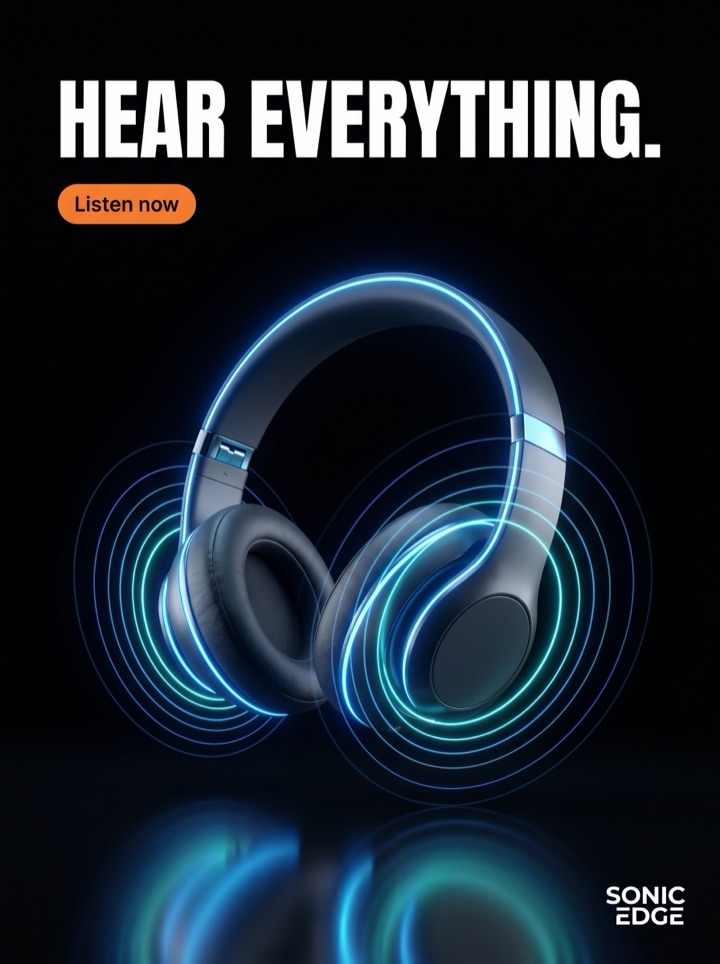
HTML5 banner ad generator examples
This tool page is for shoppers and founders who need the shortest path from product photo to usable HTML5 banner creative previews, not another empty canvas. The examples below are curated as ad-pack patterns, not stock-gallery filler.




Campaign brief
HTML5 Banner Ad Generator campaign brief
A useful HTML5 banner creative page should give the visitor a better creative decision than they had before arriving. Use these notes to turn the keyword into a practical ad test.
Best use
HTML5 Banner Ad Generator is best used when the product photo can carry the first impression and the page visitor needs a fast path from upload to a testable ad pack.
Asset to upload
Start HTML5 banner creative with a clean product image, enough empty space for copy, and one visible detail that supports the flash sale angle.
First test
Run a HTML5 banner creative preview that compares flash sale against premium/luxury, then keep the product crop and offer consistent so the result is readable.
Format choice
Export HTML5 banner creative first as 300x250 and 336x280. Add display or HTML5 formats only when the product and CTA still read at the smaller placement size.
Copy direction
For HTML5 banner creative, use Generate free preview when the product is familiar. Use Unlock the pack when the buyer needs a softer step before purchase.
Human review
Before publishing HTML5 banner creative, check whether the headline could only belong to this product. If it could fit any product, the ad still feels generic.
How it works
Build HTML5 Banner Ad Generator creative around a real buying reason.
1
Start with the product
Use the HTML5 banner creative intent to decide which photo, offer, and product detail should lead the creative.
2
Choose the buying reason
Generate HTML5 banner creative angles that fit this page: proof, urgency, launch, comparison, premium, bundle, or a format-specific crop.
3
Preview the pack
Review view-only HTML5 banner creative previews before paying for production files; steer and regenerate any angle that misses.
4
Export what you can test
Unlock high-res files only when the HTML5 banner creative layout is clear enough to run in Meta or display placements.
Ad angles included
Ad angles for HTML5 banner ad generator
HTML5 Banner Ad Generator needs more than a title and a CTA. This page explains the product image, ad angle, export shape, and preview gate so the visitor can make a real creative decision.
Field notes
HTML5 Banner Ad Generator field notes
These field notes are a quick human quality pass before you turn previews into production ads.
Creative review
- For HTML5 banner creative, the first screen should answer what the product is, who it is for, and why this ad deserves attention before the shopper scrolls.
- A strong HTML5 banner creative preview should make the product larger than the decoration. Background texture can support the offer, but it should not become the subject.
- When reviewing HTML5 banner creative, compare one proof-led version with one offer-led version. The winning direction often depends on whether the audience already knows the product category.
- The safest HTML5 banner creative starter layout is product first, hook second, CTA third. Move price or discount copy up only when the offer is the actual reason to click.
Placement review
- If HTML5 banner creative is going into Meta placements, check the ad at phone width before export. Tiny benefit copy that looks fine on desktop usually disappears in feed.
- For HTML5 banner creative, keep one version calm and premium, one version direct and promotional, and one version proof-heavy. That gives the first test useful contrast.
- Do not let HTML5 banner creative copy make claims the product page cannot support. The ad should accelerate the click, not create a promise the landing page has to walk back.
Export review
- A paid HTML5 banner creative pack is worth unlocking when at least two previews show a distinct buying reason, not just the same layout with a different headline.
- If the source product for HTML5 banner creative has packaging, texture, materials, ingredients, or scale details, use those details as visual proof instead of adding generic badges.
- For HTML5 banner creative, the final export decision should be boring in a good way: product readable, offer clear, CTA obvious, and no roadmap-only format presented as live.
Sizes and exports
Sizes and exports for HTML5 banner ad generator
For HTML5 banner creative, the export shape should support the product story. Static posters are available first; display and HTML5 exports stay clearly labeled as agency or roadmap workflows until enabled.
300x250
Use 300x250 for compact display inventory where the product image and offer for HTML5 banner creative must read at small size.
336x280
Use 336x280 for compact display inventory where the product image and offer for HTML5 banner creative must read at small size.
728x90
Use 728x90 when the product needs a wide lockup with a short hook and one CTA.
300x600
Use 300x600 for a tall display concept with room for product, benefit, offer, and button.
320x50
Use 320x50 for HTML5 banner creative only when the hook is short and the product silhouette is instantly recognizable.
970x250
Use 970x250 when the product needs a wide lockup with a short hook and one CTA.
HTML5 clarification
HTML5 banner packs need size-specific layouts.
A 728x90 leaderboard, 300x250 rectangle, and 320x50 mobile banner cannot share the same crop. Product AdKit should validate each banner frame before any ZIP export is offered.
What belongs in a banner pack
- Separate layouts for wide, square, tall, and mobile banners
- Product crop checks for every frame
- Readable CTA placement per size
- Fallback PNGs for review and approval
- Local assets prepared for a future ZIP export
- Validation notes before platform upload
productadkit-banner-pack.zip
  728x90/
    index.html
    style.css
    assets/
      product.png
      brand-logo.svg
    fallback.png
  300x250/
    index.html
    style.css
    assets/
      product.png
    fallback.png
  validation-notes.json
HTML5 Banner Ad Generator pages should help a founder decide what to make next: which product image to use, which hook to test, which placement to export, and what should stay locked behind a paid pack. That is why Product AdKit centers the product workflow instead of offering a generic design surface.
Copy examples
Hooks, CTAs, and mistakes for HTML5 banner ad generator.
Headline hooks
- HTML5 Banner Ad Generator ads without a blank canvas.
- Strong HTML5 banner creative should start with the product, then build the offer around it.
- Turn one product photo into testable HTML5 banner creative before opening a design canvas.
- Use one upload to explore HTML5 banner creative, hooks, CTAs, layouts, and Meta-ready sizes.
- HTML5 Banner Ad Generator without generic template shuffle.
- A sharper HTML5 banner creative story for the next creative refresh.
- One product image, several HTML5 banner creative reasons to buy.
- Move from product photo to export-ready HTML5 banner creative faster.
CTA examples
- Generate free preview
- Unlock the pack
- See product ads
- Start from one photo
- Export Meta sizes
Common mistakes
- Promising every future HTML5 banner creative export format as live before production support exists.
- Explaining HTML5 banner creative broadly without showing the upload-to-preview path.
- Overloading the html5 banner ad generator page with SEO keywords instead of product workflow details.
- Leading with lifestyle styling until the product itself becomes hard to recognize in HTML5 banner creative.
- Writing HTML5 banner creative copy the product page cannot back up, so the ad over-promises the offer.
Editorial review
HTML5 Banner Ad Generator review checklist
Use this HTML5 banner creative checklist as a human quality pass before turning previews into production ads.
1
Does the first screen explain why this HTML5 banner creative page exists beyond the keyword?
2
Can a founder leave with at least one usable HTML5 banner creative hook, CTA, or layout decision?
3
Are live HTML5 banner creative formats separated from roadmap formats such as HTML5 or video?
4
Is the source product still visible in the HTML5 banner creative layout after the ad is cropped into the target placement?
5
Would this HTML5 banner creative page still be useful if the visitor came directly from a shared link?
FAQ
HTML5 banner ad generator questions
What makes an HTML5 banner different from a static banner?
A static banner is a single image file. An HTML5 banner is a small packaged creative with HTML, CSS, JavaScript, and local assets, so animation and interaction can live inside the ad unit.
Should I start with HTML5 or static banners?
Start with static banner previews when the offer, crop, and CTA still need approval. Move to HTML5 only after the product story works in the exact display sizes you plan to run.
Which banner sizes should be checked first?
Review 300x250, 728x90, 300x600, and 320x50 early. Those shapes force different layout decisions, especially around product scale and CTA length.
Are HTML5 banner exports live in Product AdKit?
HTML5 banner export is planned for agency workflows. Static posters, view-only previews, and high-res paid exports are the first live formats.
Related tools